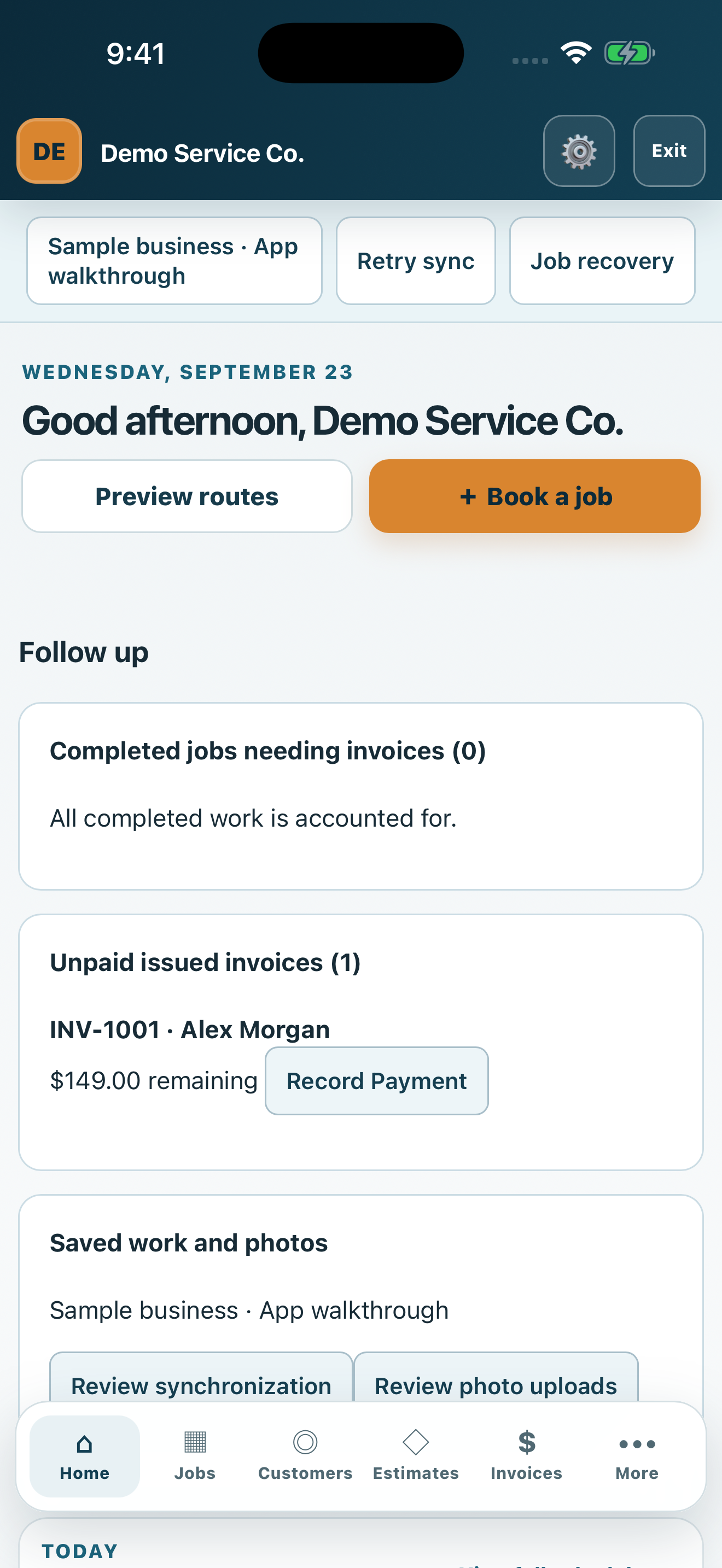
SCREEN 1 OF 5 · HOME
Your business at a glance
Review follow-ups, unpaid invoices and today’s schedule. Start a job, customer record, estimate or invoice from your workspace.
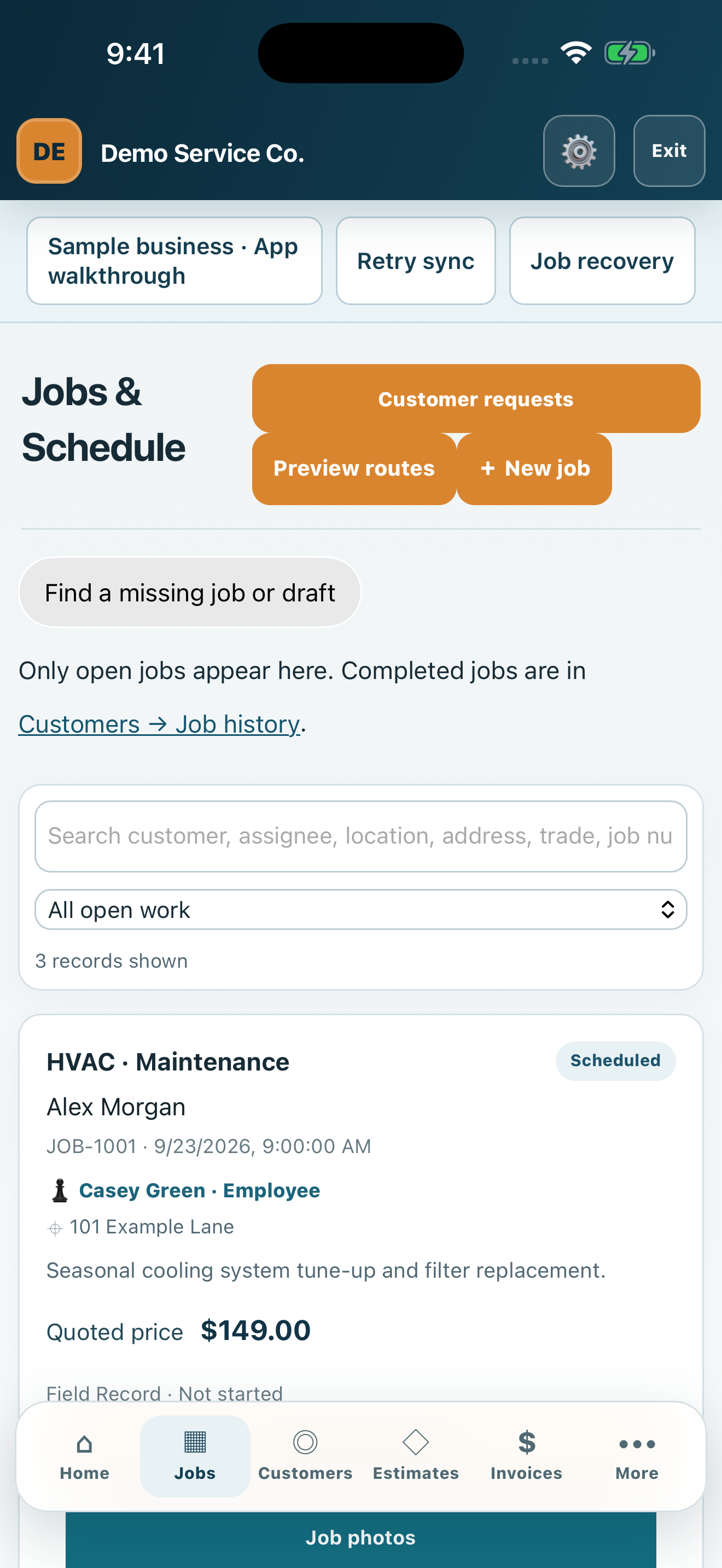
SCREEN 2 OF 5 · JOBS
Keep the day organized
See scheduled work, assigned technicians, service addresses and agreed prices. Open a job to work with field notes, photos and work orders.
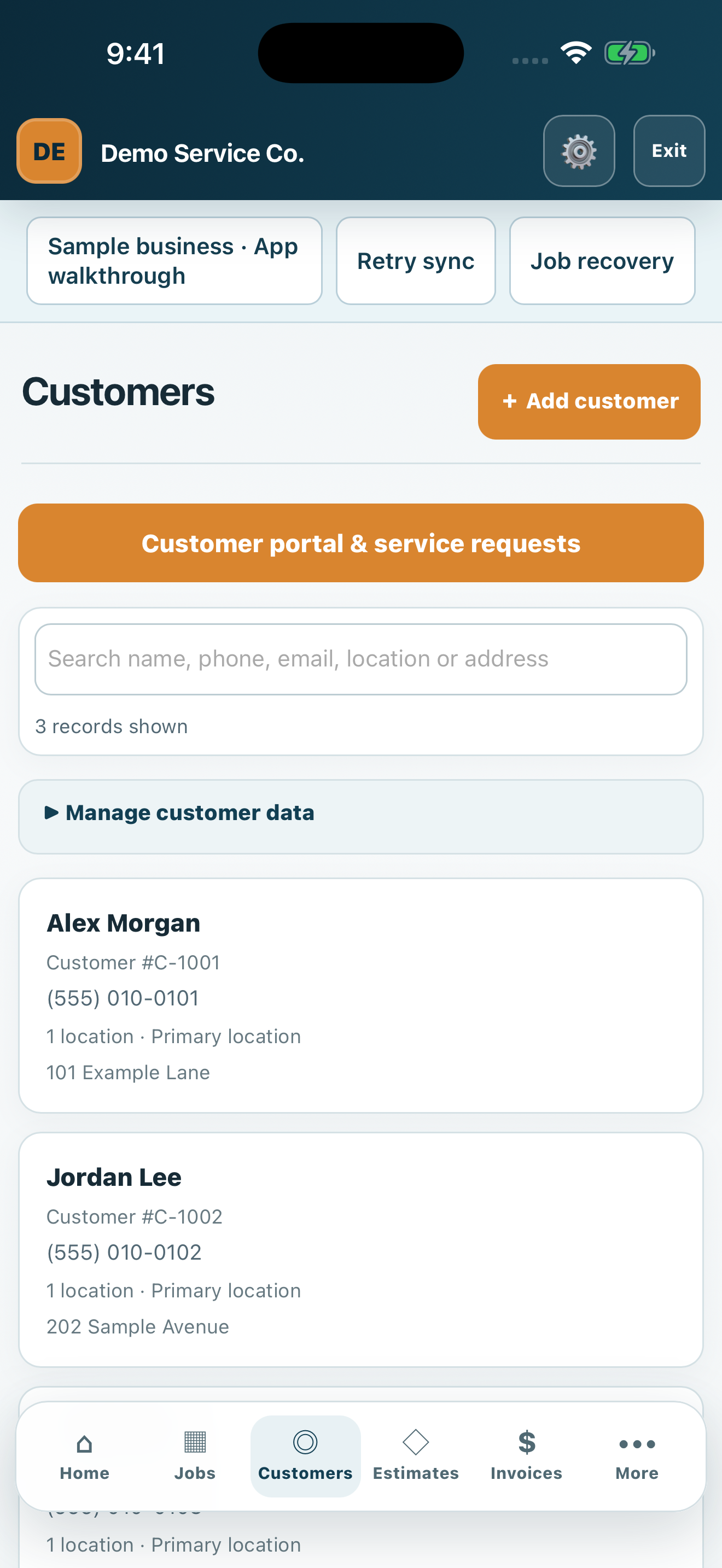
SCREEN 3 OF 5 · CUSTOMERS
Keep customer details together
Find customers by name, phone number or address. Open a customer profile to see service locations and completed job history.
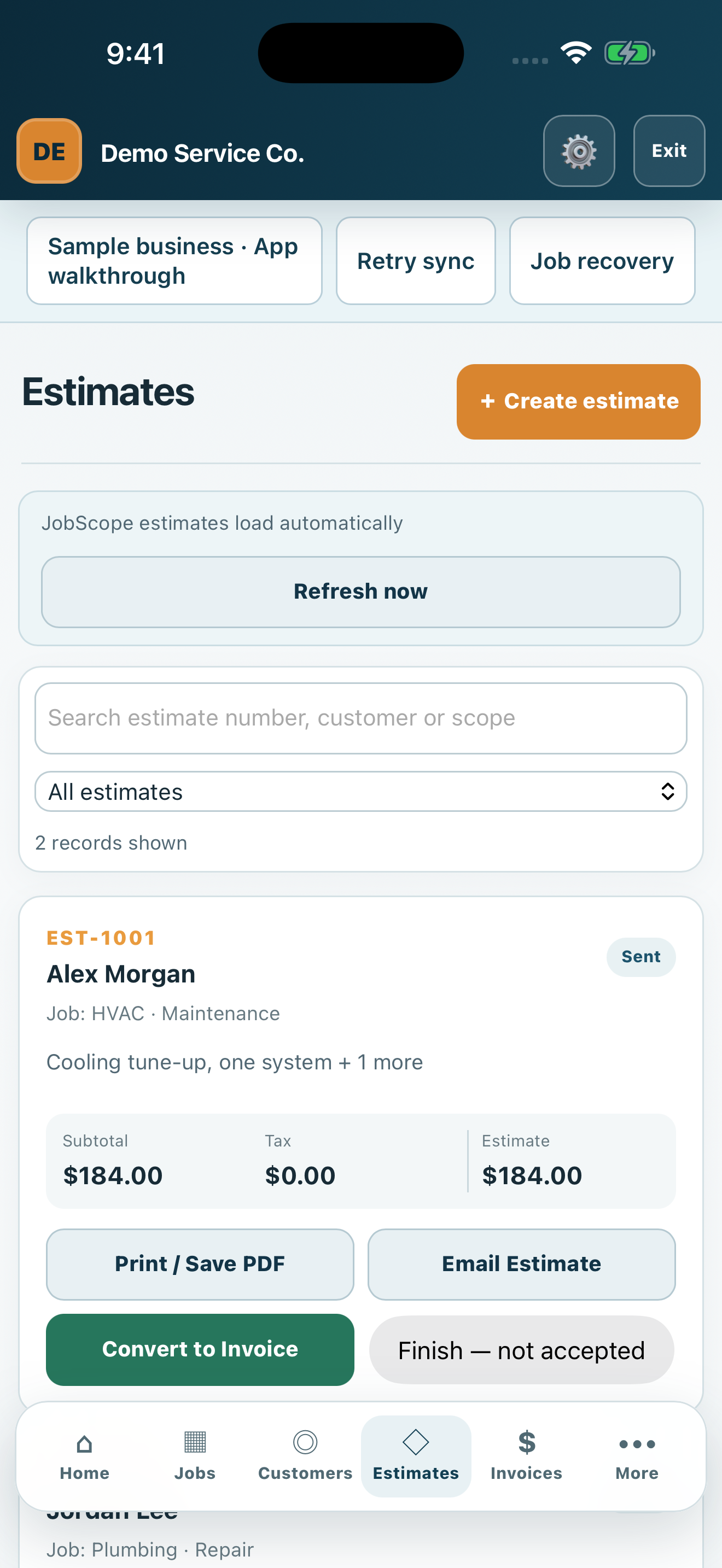
SCREEN 4 OF 5 · ESTIMATES
Prepare the next proposal
Review itemized estimates and their status. Print or save a PDF, prepare an email, and convert accepted work into an invoice.
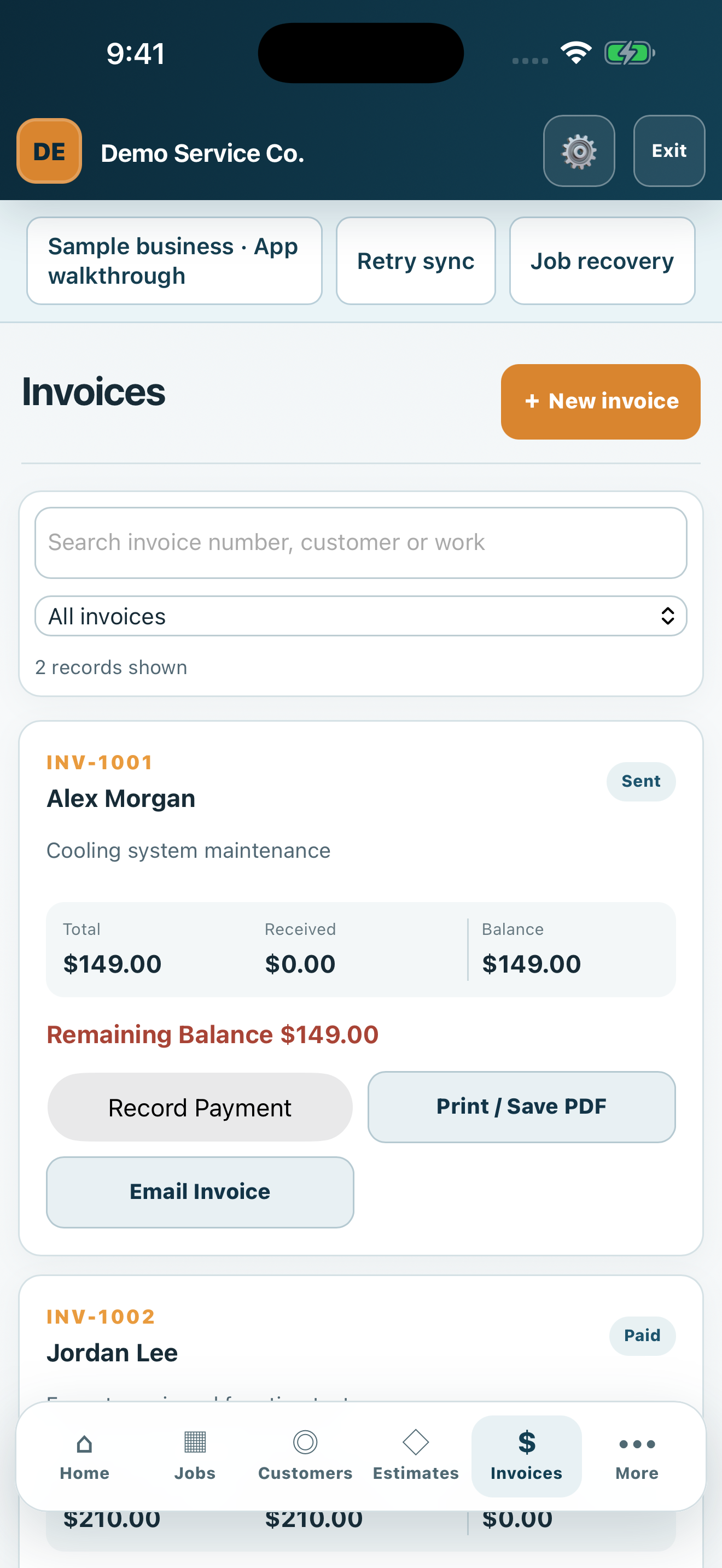
SCREEN 5 OF 5 · INVOICES
Follow up on customer balances
Review totals, recorded payments and remaining balances. Print or share invoices and record a payment when your business receives it.